I am using ROOT’s graphics libraries for my C++ application. Now, to create a legend for the plot, I am using TLegend. It works fine and I have a nice legend on my plot but when I execute the program, I get the following warning:
Warning in <TLegend::Paint>: Legend too large to be automatically placed; a default position is used
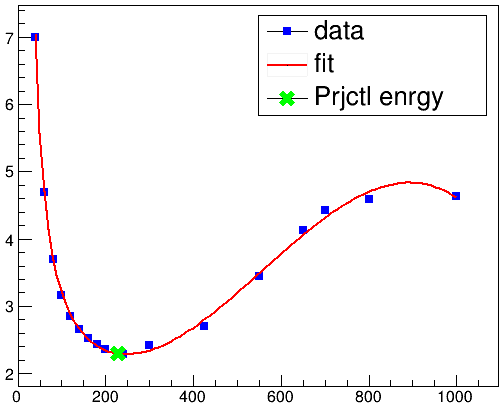
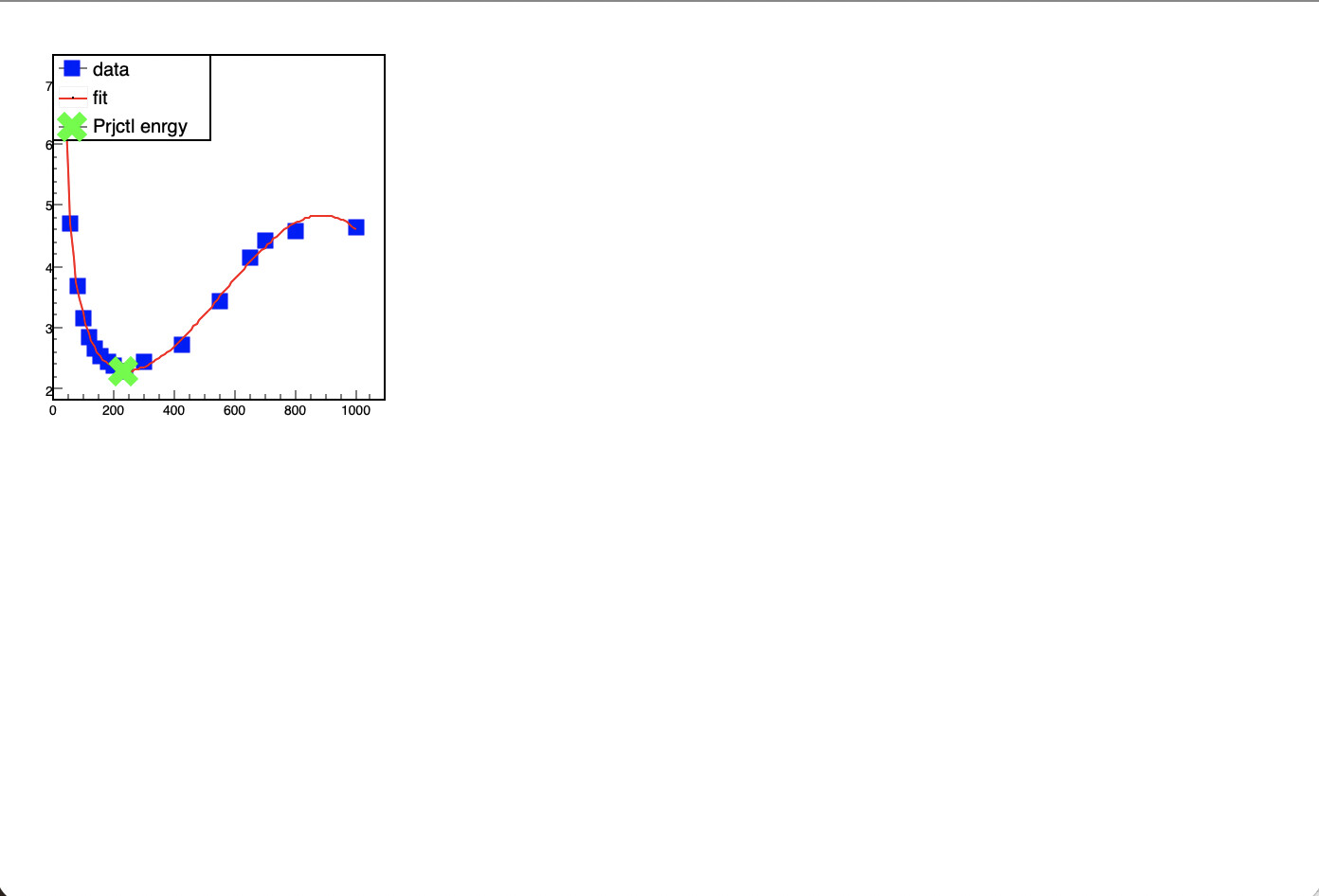
Note that this warning is not thrown when I make. Now, I am okay with the warnings, but the problem is that TLegend is taking too long (~5 seconds) to decide where to put the TLegend box. Also, this complain from TLegend is fake as I only have 3 entries. Have a look at the plot below, there is nothing special
Now, I am happy with the default position as long as it does not take long for TLegend to decide. Is there anyway to tell TLegend to take the default position from the beginning?
Can you provide the code you use to create this (at least the relevant parts), or a minimal running reproducer?
Here is the relevant part of the TLegend source for the message you are seeing:
This message means that you are trying to let TLegend place itself automatically on the plot. The algorithm attempts to find some free space on the plot without hiding any graphics, and when it fails, it produces this message.
The solution is to place the legend yourself at an appropriate position instead of letting TLegend determine the position automatically. See the TLegend documentation for more details (search “The legend can be placed automatically”).
root [0]
Processing Profile_func.cc...
input_line_9:2:2: error: no matching constructor for initialization of 'Profile_func'
 Profile_func() /* .x tries to invoke function `Profile_func` */
 ^
/Users/couet/Downloads/Test/source/Profile_func.cc:15:15: note: candidate constructor not viable: requires single argument 'E', but no arguments were provided
Profile_func::Profile_func(double E)
              ^            ~~~~~~~~
If you don’t draw gr2 the warning (and the delay) goes too, so it looks like it is doing something that it shouldn’t. With a very simple graph there’s no problem:
 //...
    TGraph *gr2 = new TGraph();
/*
    for (size_t i=0; i<=Get_E().size(); i++)
    {
      double dmmy[1] = {Get_E()[i]};
      Add_sigm_pp(FitFunc4_sigm_pp(dmmy, fit_para) );
      gr2->AddPoint(Get_E()[i], Get_sigm_pp()[i]);
    }
*/
    gr2->AddPoint(200,2.3);
    gr2->SetMarkerStyle(47);
    gr2->SetMarkerSize(2);
    gr2->SetMarkerColor(kGreen);
    gr2->Draw("P");
    leg->AddEntry(gr2, "Prjctl enrgy");

    //! comment line below to remove the warning
    leg->Draw();
//...
}
It was to force the graphics to display. On Mac (my machine) it is required to have thw window updated. Depending on which platform you are working it might not be necessary.
@Wile_E_Coyote I am sorry, I just recently started using ROOT libraries for C++ project. Therefore, I am not aware of the best practice.
I understand that solely relying on error and warning messages is not enough for a good code. If there is any issue with the code, please let me know. I would be happy to learn.