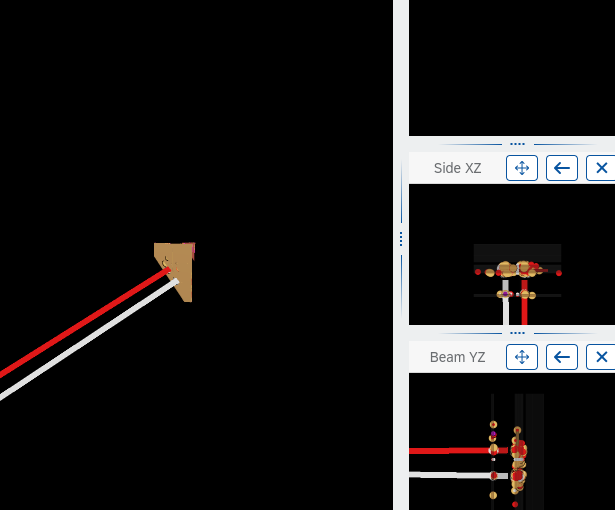
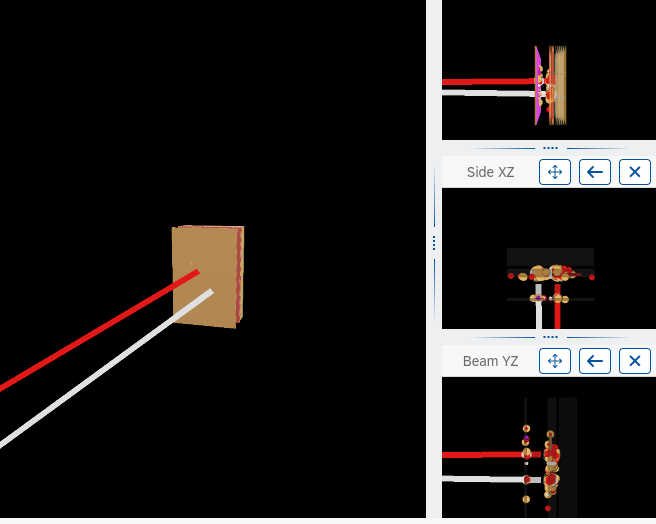
I’ve been writing an event display using REve by loading a .gdml file using TGeo. The issue is that the geometry is quite large (~100m long) and I therefore get what seems to be clipping effects where my geometry is invisible at a distance and I have to significantly zoom in in order to see it. This is pictured below where, on the left display window, the bottom left of my detector is clipped (I already had to zoom in to see it at all). The top left has my detector being fully invisible.
The workaround I found was to scale down everything by a factor 10 (which is in fact used here, otherwise I am unable to find my geometry even by zooming in). This is done by rebuilding my geometry in TGeo just scaled down.
This however is tedious and quickly gets confusing if we start looking at quantities. Is there an alternative to scaling things down, to increase the clipping distance or another alternative?
Best wishes,
EK
ROOT Version:* 6.38.04 Platform: Arch Linux Compiler: Not Provided