Hi Matevz,
Thanks for the comments, things are clearer regarding TEve and its relation to TGeo, and I have been able to make some progress, but I am at the point where need a few more nudges to move forward.
I have implemented your suggestions to detect the surface “hits” and utilized 4-vectors to include time values (completely arbitrary) for the generated tracks that will do for the purposes of trying to animate the scene). I have stored my “hits” in a tree object and, more or “less”, I have been able to implement points 3 through 5 (see Jan 17 message and current revised macro +qpbr_tracks.C (12.9 KB) ), that is the rendering of geometry and tracks, side-by-side with a 2D histogram for the distribution of the energy “hits” on the surface. I have parroted the tutorials/eve/calorimeters.C example to achieve this outcome, and I have more questions further below regarding refining the display of the elements, but in the immediate I could use some advice on how to implement the animation. As can be seen from running the macro, I have made 2 slots, the top slot renders the geometry and tracks, the one below has the histogram of the energy “hits” distribution. Ideally, I would like to start from a clean geometry with no tracks and clean histogram, and update the scenes by rendering the tracks and bars on the histogram as long as the time value associated to them is at or below the current time in the animation. Assuming a TTimer is what I need to use for this, how do I turn the rendering of the elements on and off (at least for the tracks)? Any recommendations on dealing with the histogram?
Regarding the refinements I alluded to before, as you can see by running the macro or in the picture below, the initial orientation and magnification of the objects in the two slots are not ideal:
and I need to manually intervene to obtain de-magnified isometric looking projections, such as below: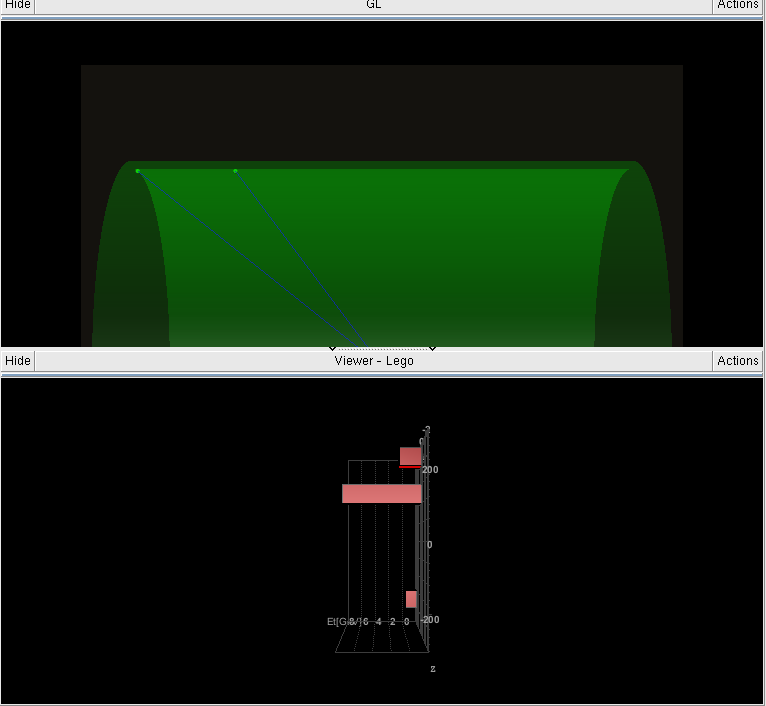

I have played with the Camera settings, as you can see in the macro, but no no avail. What steps do you take to implement this in the code?
Finally, in the upper slot of my “Composite Views” tab (see below)
I wanted to have an entire replica of the “GL” viewer tab I create in the early stages of my macro. Since I use a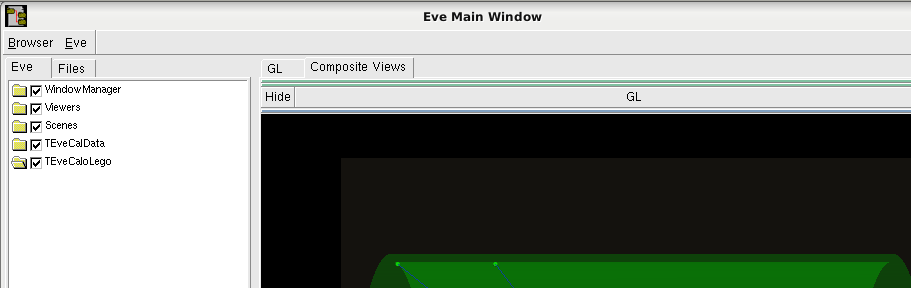
slotTop->ReplaceWindow(ev) command at line 284 of the macro to populate the scene, I lose the scene in “GL” and end up with an empty tab (see below). How do I make a full copy of the original viewer/scene and properly initialize the top slot in the “Composite Views” tab while retaining the same outcome for the “GL” tab?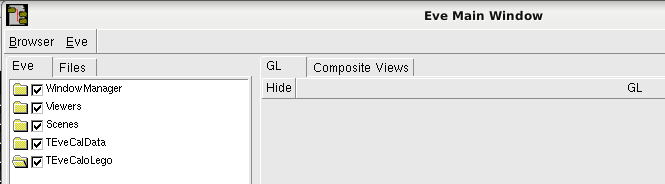
Thanks!
Pietro