Please read tips for efficient and successful posting and posting code
ROOT Version: 6.40.00Platform: OS X 26.5 (25F71)Compiler: clang-2100.1.1.101
Dear all,
I have jupyter notebooks who works perfectly in 6.32.12 while canvas are not drawn in 6.40.00.
In attachment an example of such a notebook. It also seems that if I run it first in 6.32.12 and then in 6.40.00 then it displays canvas properly.
Any help will be greatly appreciated.
Best regards,
Marco Bomben
py_RooConvolution.ipynb (36.3 KB)
linev
June 5, 2026, 10:26am
2
Hi,
I cannot reproduce problem.
Are you using jupyter lab or jupyter notebook?
Which browser you are using when running jupyter?
Can you check for any error messages in the browser console?
Regards,
Dear Sergey,
I am using jupyter notebook with Firefox as browser; nothing changes using jupyter lab instead of notebook.
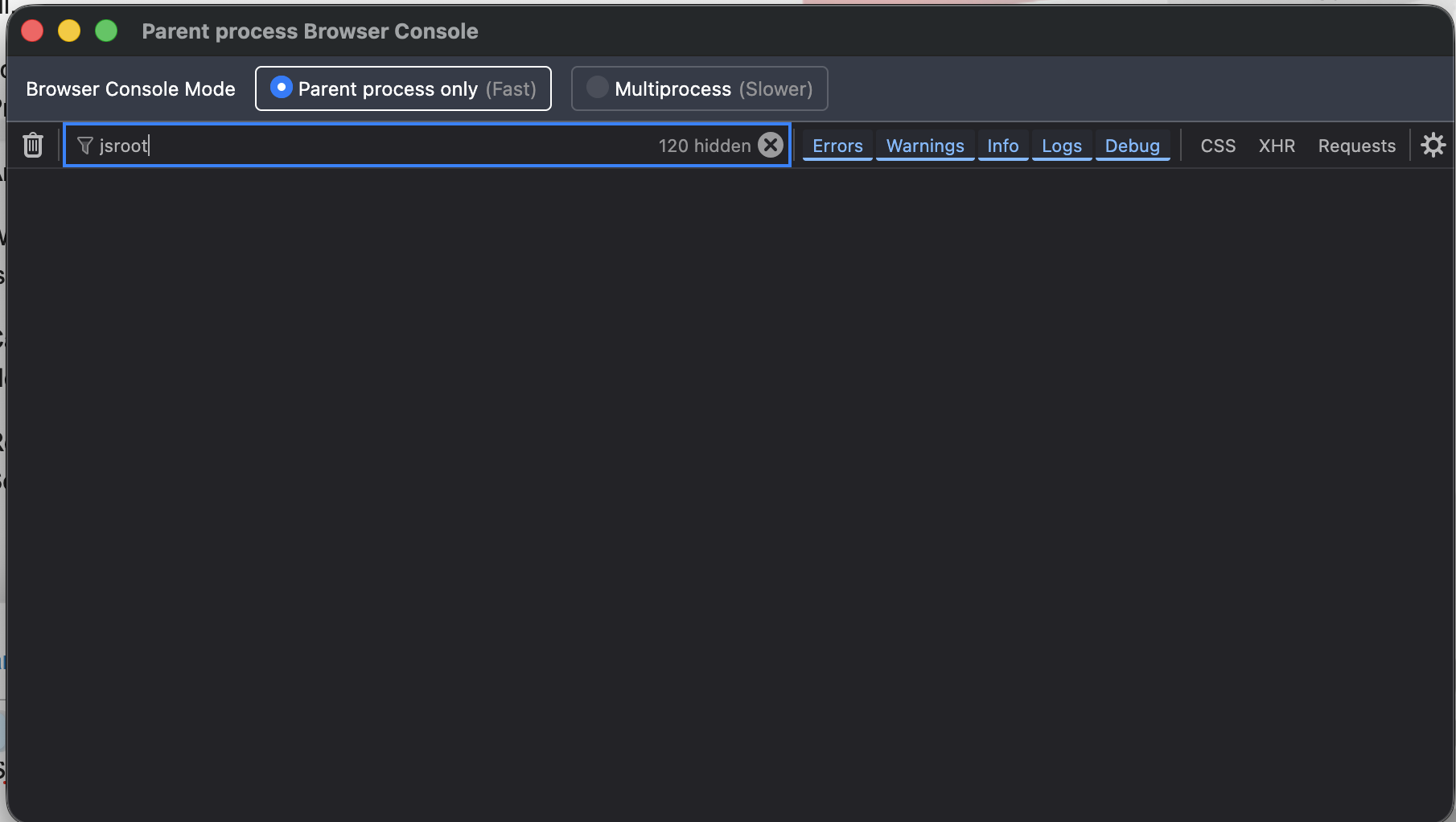
I could not find any message related to jsroot in the firefox console - see attached figure.
I also attach how the notebook appears once I try to draw.
Many thanks in advance and best regards,
linev
June 5, 2026, 4:23pm
4
Hi Marco,
Can you try the same with Safari browser?
Can you try to open notebook which I run on my ROOT?
Here is it:py_RooConvolution.ipynb (36.2 KB)
Regards,
Hello Sergey,
here is what I did:
jupyter notebook --browser="open -a Safari %s"
and the canvas is correctly drawn. Thanks for looking into this. Any idea how to fix the issue with firefox, please?
Many thanks again and best regards,
Your example, as well as Sergey’s, ran for me ok with Firefox on Linux (I ran root --notebook and opened your notebook from the Jupyter app in Firefox), so maybe it’s not the browser, unless it’s somehow different on Mac. Maybe try reinstalling root (and make sure the dependencies and even optional packages are installed)?
linev
June 6, 2026, 5:00pm
7
Hi Marco,
There is small bug, which will be fixed by the PR .
But for me jupyter on Mac with Firefox works - without such fix.
Need to investigate further.
Regards,
linev
June 8, 2026, 9:09am
8
Hi Marco,
Can you try to build ROOT code from the PR: [jupyter] use display.Javascript to embed custom JS code by linev · Pull Request #22522 · root-project/root · GitHub
I suspect, that browser depending of security settings can block loading of javascript code when it embed into html. Therefore I tried to use directly display.Javascript() function of jupyter to clearly indicate that js code is inserted. This may help to resolve your issue.
Regards,